


"How To Use Sample Packs"
Sample packs are a great way for music producers, beatmakers and musicians to add new sounds and elements to your music production.
Here are some ways to use sample packs effectively:
Use them as a source of inspiration:
We know they are ready made sounds that some well experienced musicians may feel wrong for even touching a sample pack, however it can be a great way to get your creative flow and spark new ideas for your own productions.
Heres How:
Layer samples: You can layer samples together to create new sounds and textures. For example layer several ones shots to create a whole new sound.
Multiband sampling:
Combine the sample within matching keys but utilize the sample from a frequency perspective from high sample, mid to low. This gives you a textural contrast that would fill out your sample to make it unique sounding both in sound and sonic texture.
Granular Synthesis from One Shots:
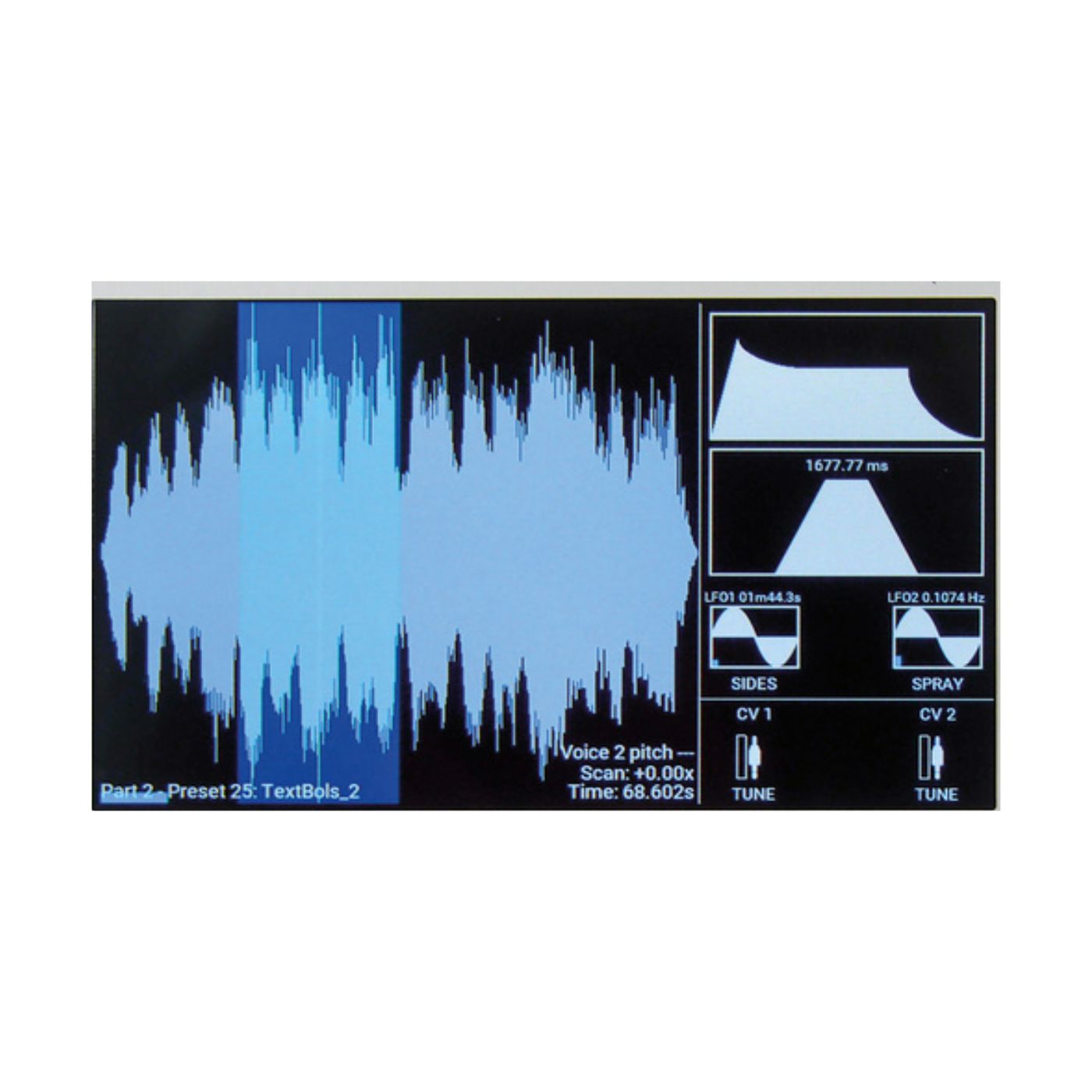
Chop One shots int o tiny grains. Randomize grain, pitch and order.
Use plugins like Granular II Output Portal or Steinberg Padshop .
Resample with extreme Fx Chains
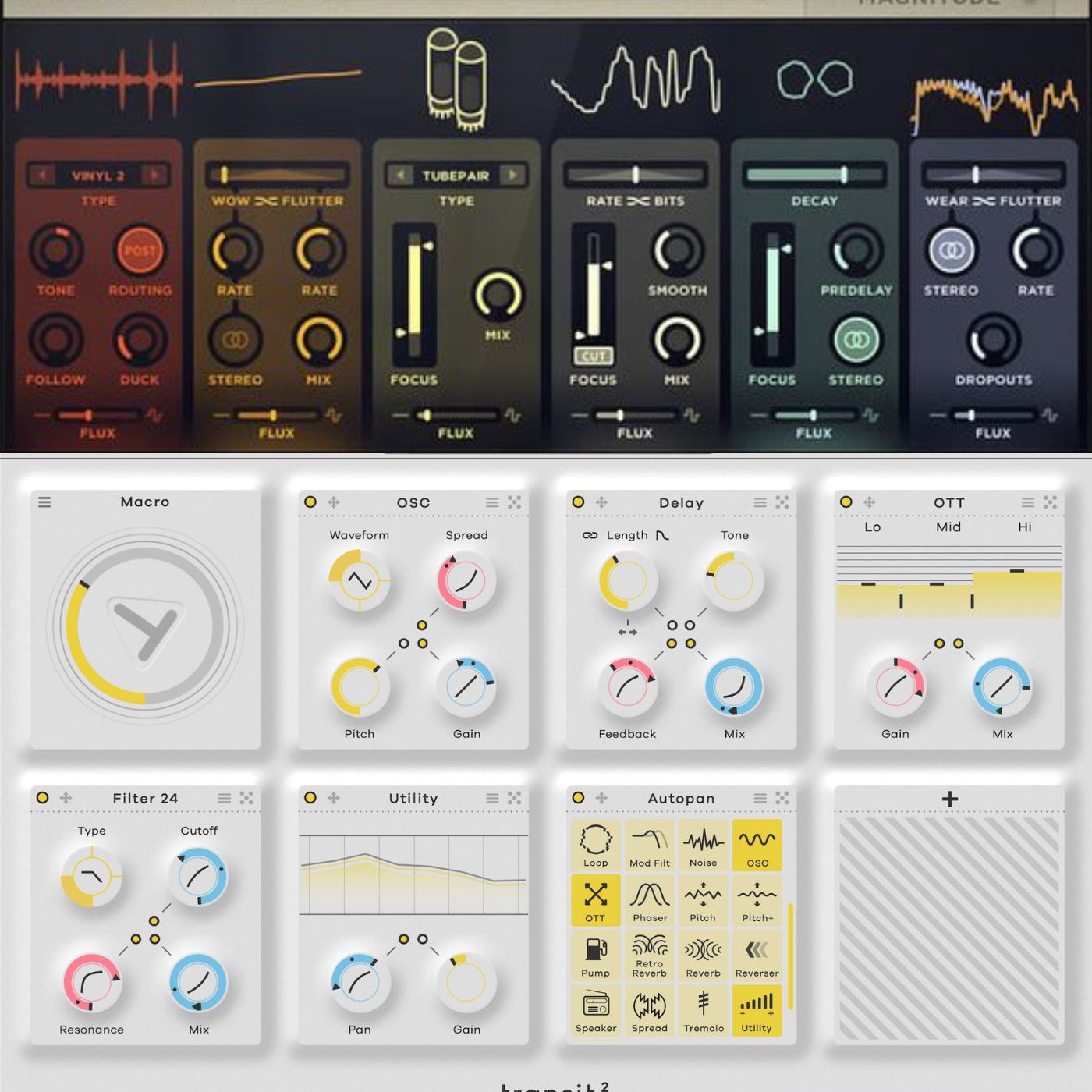
With fx these days you can pretty much come up with new sounding samples if you know what your doing.
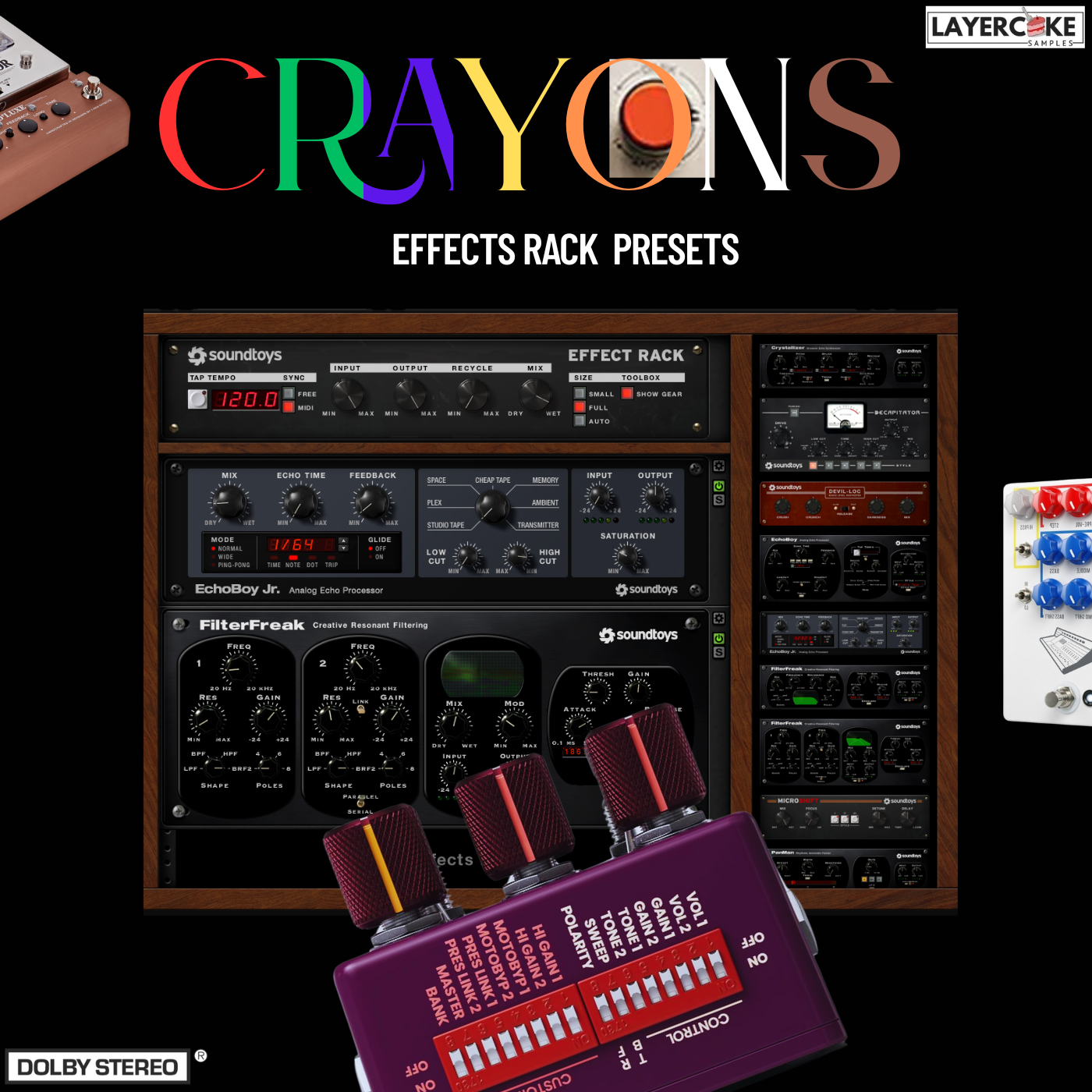
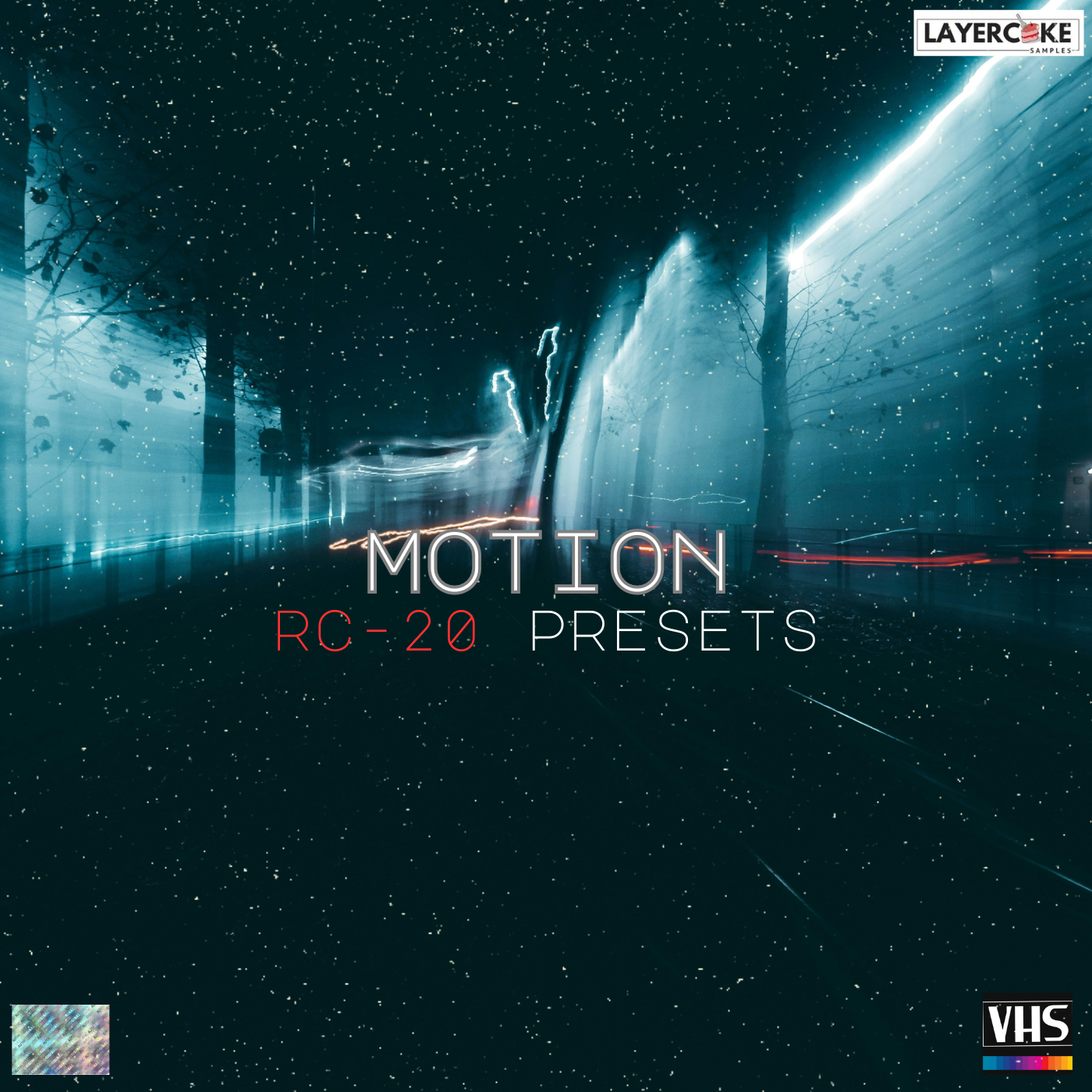
With a series of fx chains creativity is at your fingertips. For ready made effects chains check out: Soundtoys Effect, RC-20, Glitch Machines & Serato Hex FX.
Distortion/Saturation:
Adds harmonics, warmth, edge or aggression. Can flatten dynamics or add new ones. Highlight or exaggerate transients.
Creative Uses:
Turn a clap into a crunchy/digital hat.
Use saturation for warmth, bitcrushing or glitchy artifacts.
Filtering: (Static or Modulated)
What it does:
Carves out or emphasises frequency bands.
Modulated filters can shape motion or rhythm.
Creative uses:
Automate filters in various frequencies to create unique sounds.
Use bandpass to isolate specific frequency bands
Add LFO to the cut off to get rhythmic movement.
Plugins to try: Fabfilter volcano, Logic Autofilter, Soundtoys Filterfreak.
Pitch shifting:
What it does:
Changes the pitch while preserves timing.
Can make sounds robotic, ghostly or granular.
Detuning can thicken or blur the sound.
Creative Uses:
Pitch a snare 12 semitones and layer it!
Use formant shifting to humanize or alienate a vocal sample.
Create chords from a single hit using multiple pitch shift layers.
Plugins to try:
Soundtoys Little Alterboy, Pitchweel, Melda Audio Transformer
Modulation:(Chorus, Flanger,Phaser,Tremelo)
What it does:
Adds movement, widthand character.
Can introduce phase cancellations and stereo imaging.
Creative Uses:
Chorus can give a thick detuned vibe.
Phaser on percussive sounds can make a liquid textiure.
Tremelo can add rhythmic stutter.
Plugins to try: Soundtoys PhaseMistress, Tal Chorus LX, Stock Plugins
Reverb:
What it does:
Adds space, tail and texture.
Smears transients and adds atmosphere.
Long reverbs can add stabs into ambient washes.
Creative Uses:
Add a huge plate reverb, resample, then cut the taiil as a pad.
Use predelay and diffusion to control smear.
Combine with freezing or reverse for evolving sounds.
Plugins to try: Valhalla Shimmer, Supermassive, Crystalline.
Bonus: Resample, Rinse, Repeat Method:
Once you've put your one shots/loops through a series of fx, resample the output.
Chop the resamples audio into new audio one shots or loops.
Repeat the process with different fx and settings to come up with richer and stranger musical samples.
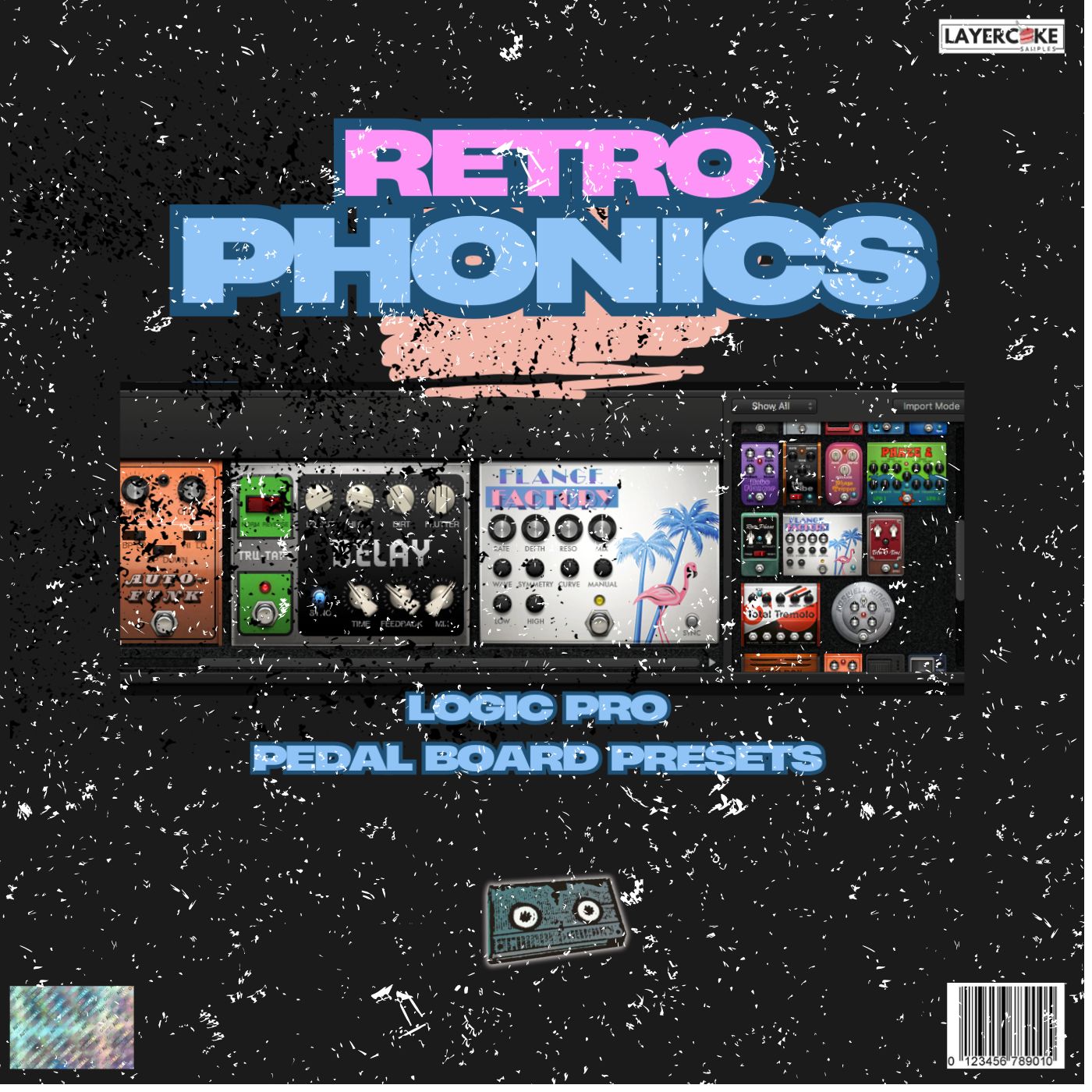
Check Out Our Fx Presets
TimeStretch it:
The History:
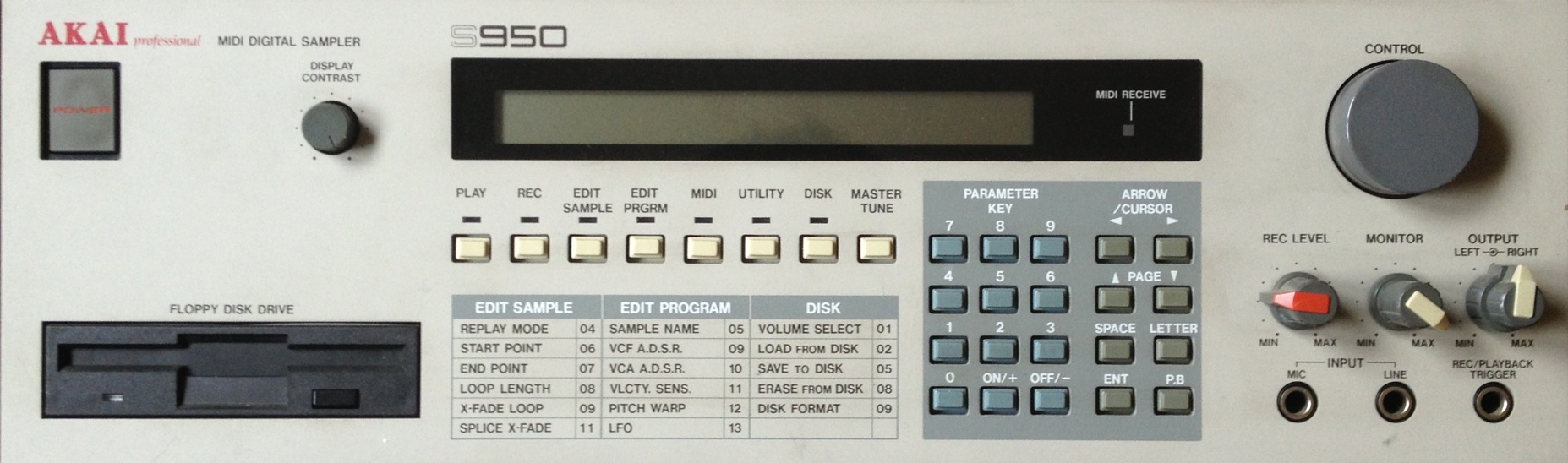
Akai S Samplers: What Made it Special?
The S950 was the first practical implementation of timestretching in hardware.
It allowed you to alter the length of a sample without affecting the pitch. This was a gamechanger for sampling vocals or drums.
Not like modern warping, the process introduced grainy artifacts, clicks chopped segments and ringing which became a part of the sounds aesthetic.
Why it Sounded Soo Good/Weird:
12bit/16 bit Dacs with aliasing and saturation gave it warmth.
The artifacts created groove and swing, especially when used on the Amen break or classic soul acapellas.
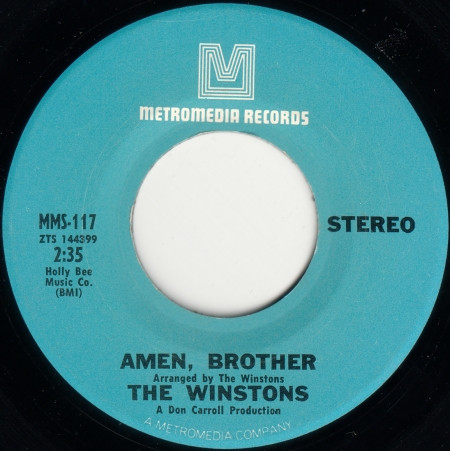
Low sample rates added crunchy harmonics.
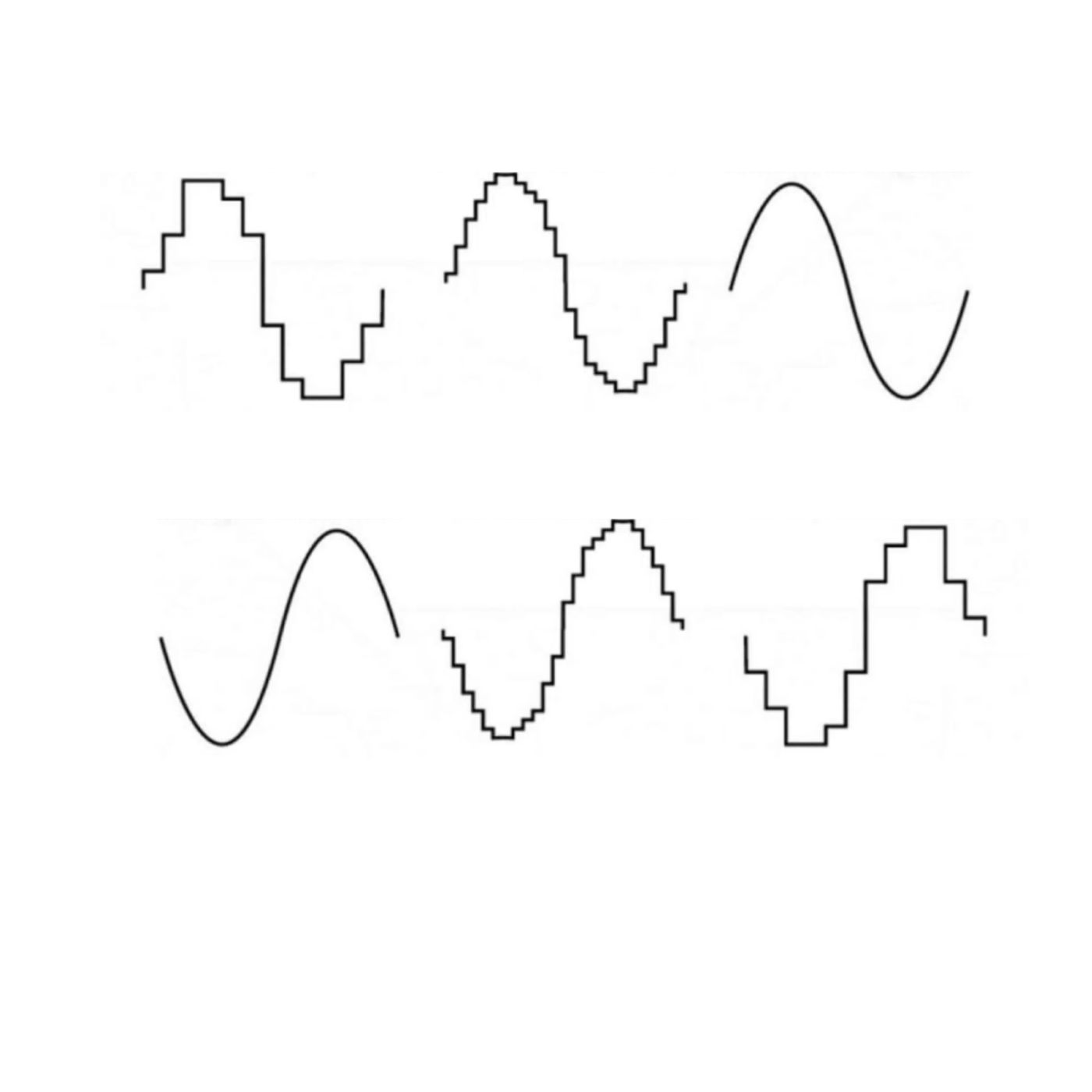
How to get that Feel and recreate it:
Plugins Xfer Reseek, Waves CR8 Ableton Warp, Decimort 2, PaulXstretch
How to Use it:
Stretch a one shot to several seconds with formant modes enabled.
CONCLUSION:
It's important to note that sample packs should be used as a starting point and not as the only element in your production, always try to add your personal touch and creativity to make it unique.
Remember that sample packs are just one tool in your production arsenal. Experiment with them and use them in ways that inspire you, and don't be afraid to add your own touch to make them truly unique.